Device Credentials
Device credentials are required to connect to network devices and endpoints via CLI over SSH, SNMP, or HTTP. Credentials can be associated with devices and endpoints in several ways. Refer to the Connectivity Test for more information.
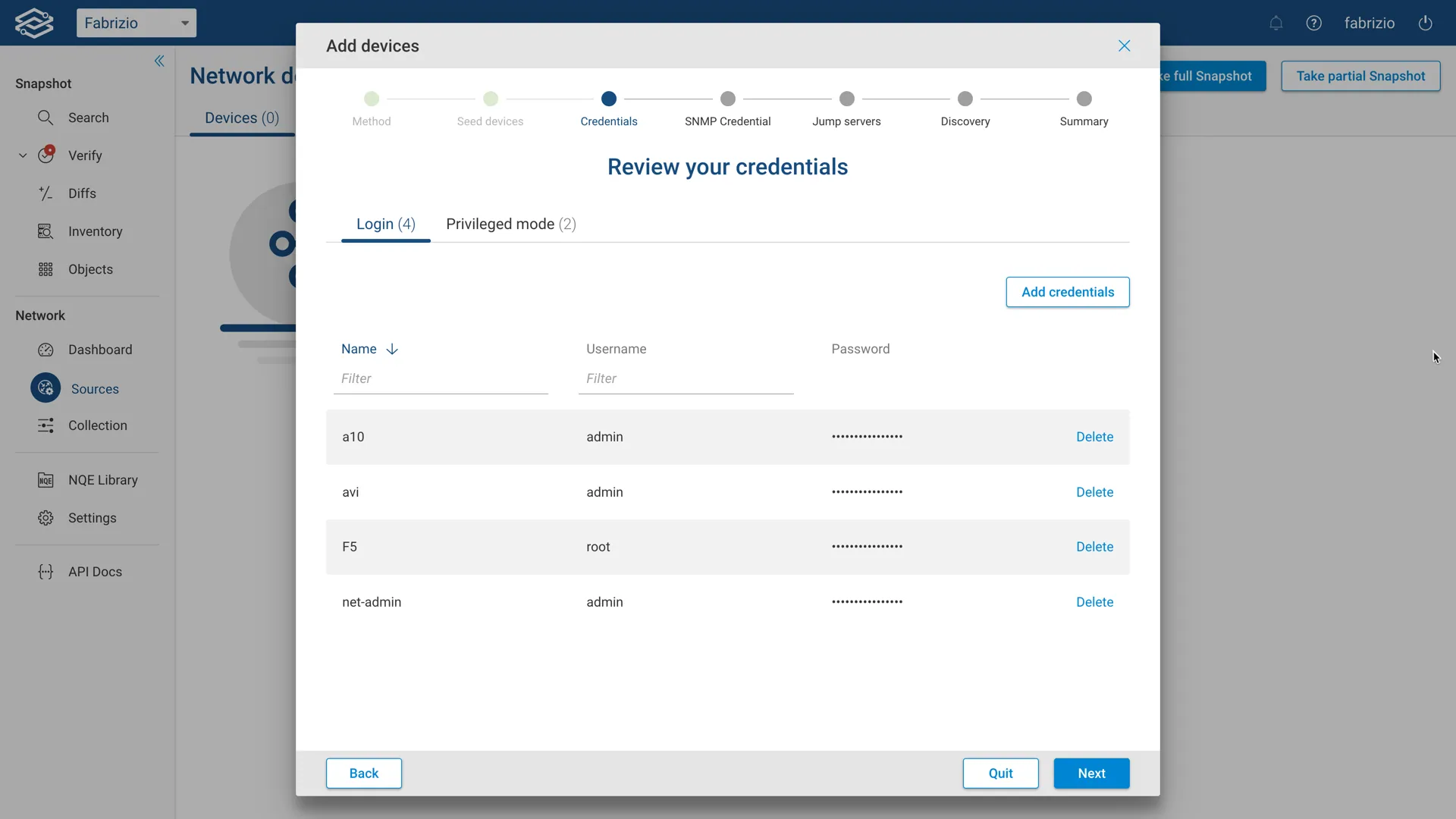
Credentials can be configured directly using the Credentials Page or when adding/importing device(s) to the inventory.
How credentials are stored
- SaaS deployments — Credential secrets are stored centrally on
fwd.appand encrypted using AWS KMS. Collectors do not store credentials locally; they retrieve them on demand during collection. For details on the encryption architecture and the optional Bring Your Own Key (BYOK) capability, see Cloud-Managed Secret Encryption and BYOK. - On-premises deployments — Credential secrets are encrypted using AES-256-GCM and stored within the application server's database. The encryption key is auto-generated on first startup and managed by the server — collectors are not involved in the encryption process.
Add Credentials via Credentials page
To add credentials from the Credentials page, go to Collection > Credentials, then select one of the following tabs: CLI, SNMP, or HTTP.
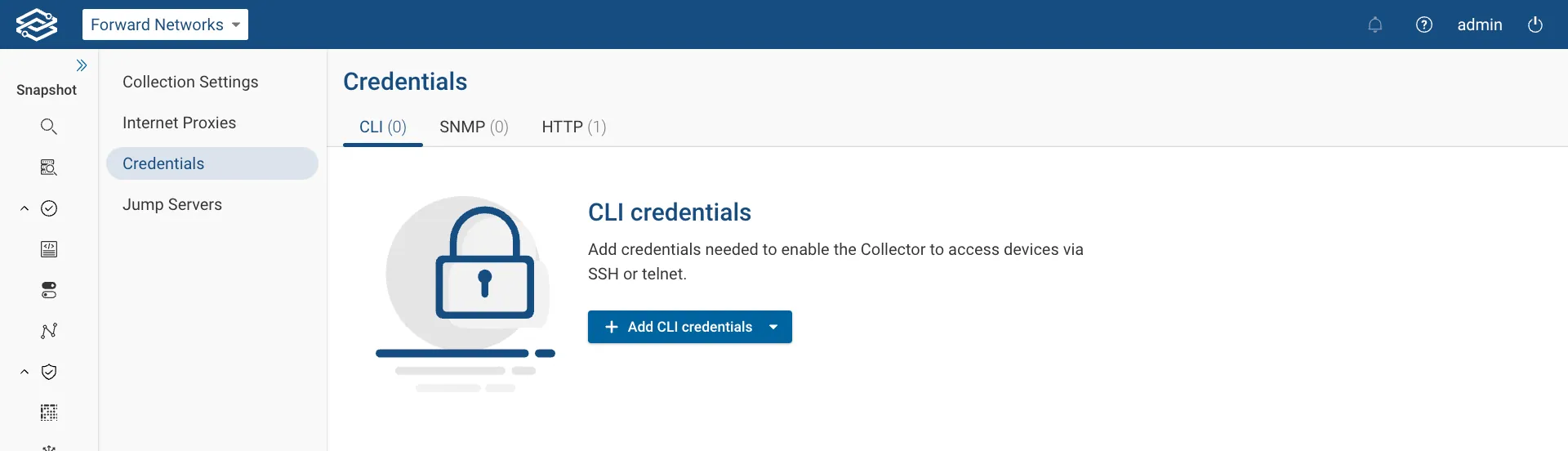
Once the credentials are added, a Connectivity Test might have to be performed to auto-associate appropriate network devices with their respective credential.
CLI Credentials
CLI credentials are used to access network devices via a command-line interface (SSH or telnet):
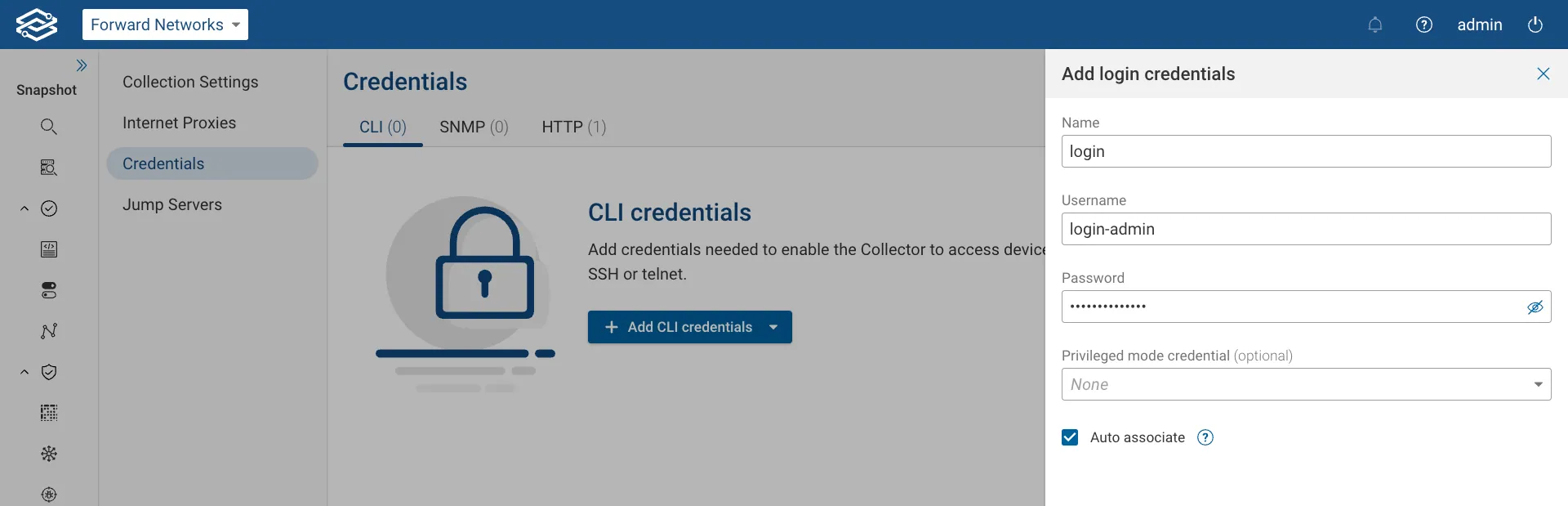
- Login: Provides basic access to the device CLI using a username and password.
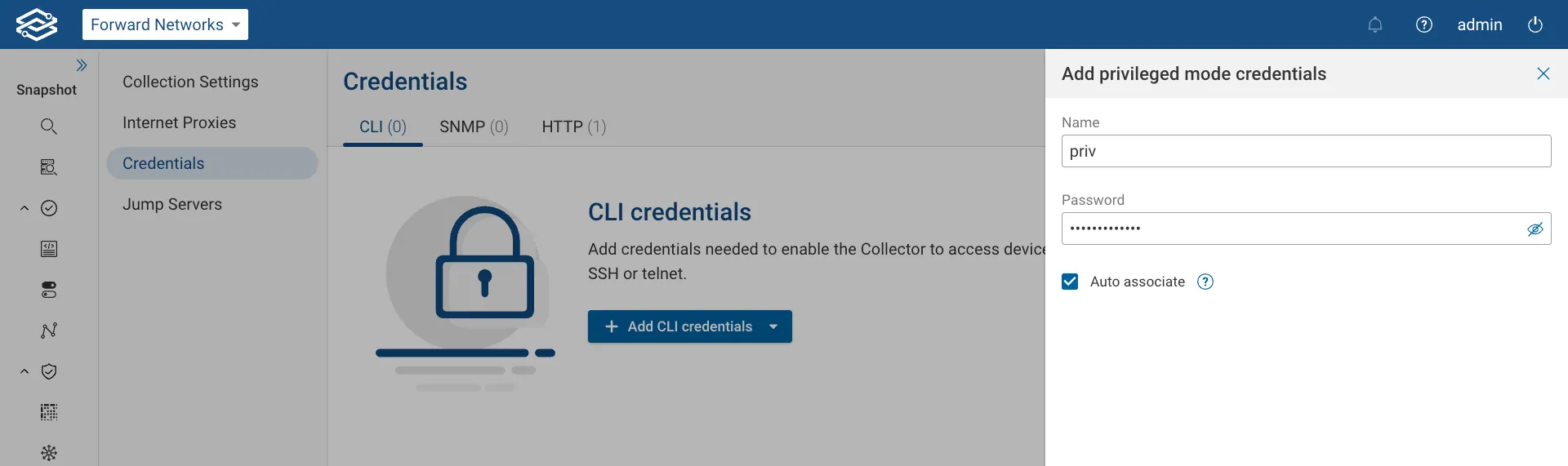
- Privileged mode: Provides access to the operational state with the highest priority. Privileged mode enables the
system to access all device configurations and state commands.
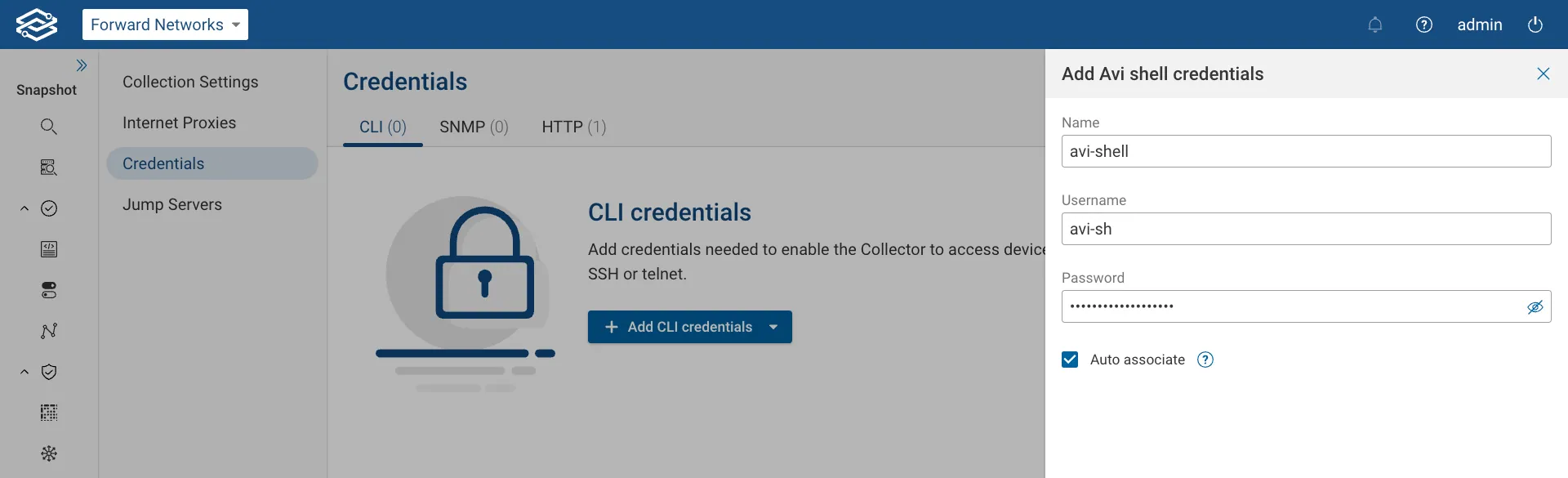
- Avi shell: Enables access to the Avi Vantage CLI Shell on Avi platforms.
SNMP Credentials
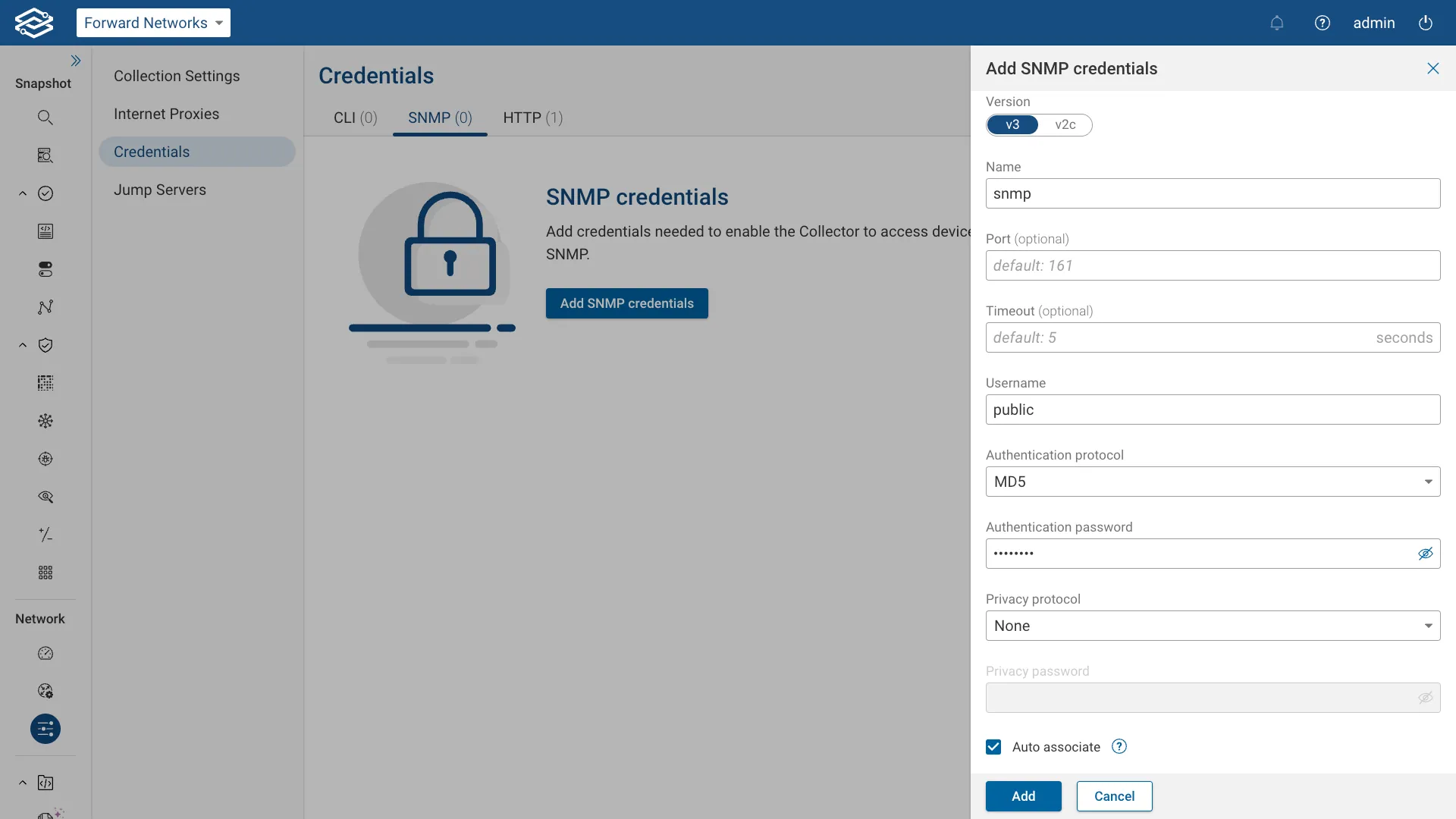
SNMP credentials are used for polling device performance metrics, discovering devices, and accessing (custom) SNMP network endpoints:
- SNMP: Enables collection of basic device information and performance metrics using SNMP OIDs (object identifiers).
 For more details,
check out the Performance data collection documentation.
For more details,
check out the Performance data collection documentation.
HTTP Credentials
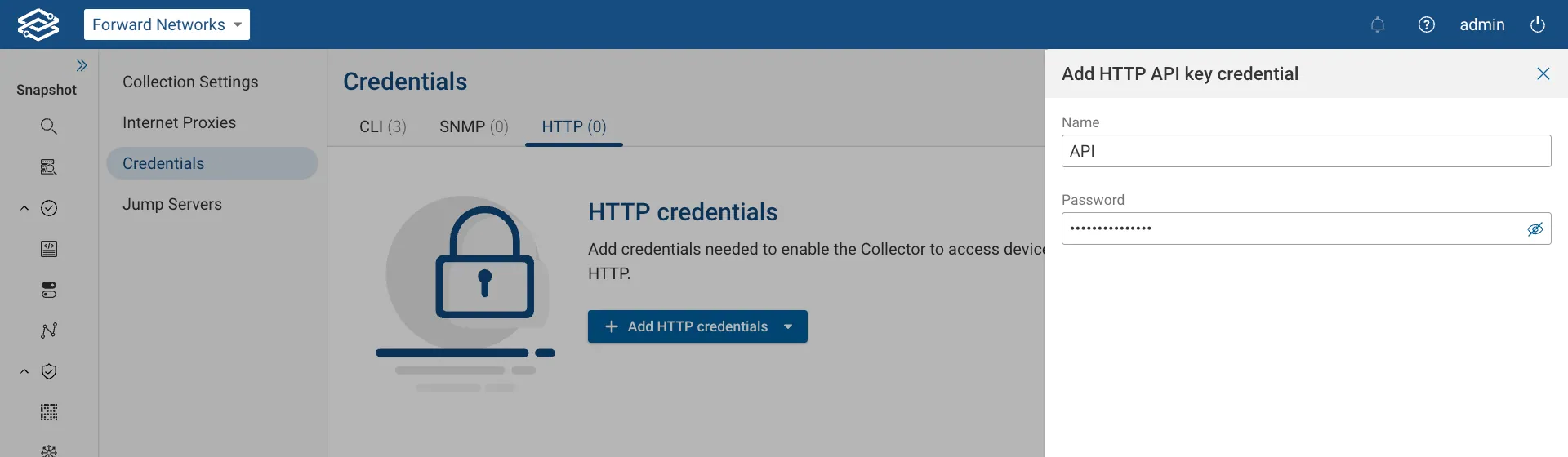
HTTP credentials are used to access device APIs and web interfaces:
- Login: Provides basic HTTP access to the device interface using a username and password.
- API key: Enables the Collector to authenticate to devices that require an API key.
Adding Credentials Through Devices Wizard
Credentials can also be added during the device onboarding process in the Devices wizard.