Data Disk Expansion
info
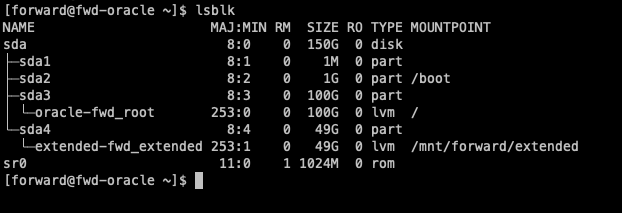
By default, the root partition is provisioned with ~100GB and the data partition is provisioned with ~49GB
Default Layout:
Increase disk size of a node in vCenter:
info
Below instructions and screenshots are taken on vSphere Client version 7.0.2.
-
Login to vCenter and search for the name of the VM that requires the disk to be increased.

-
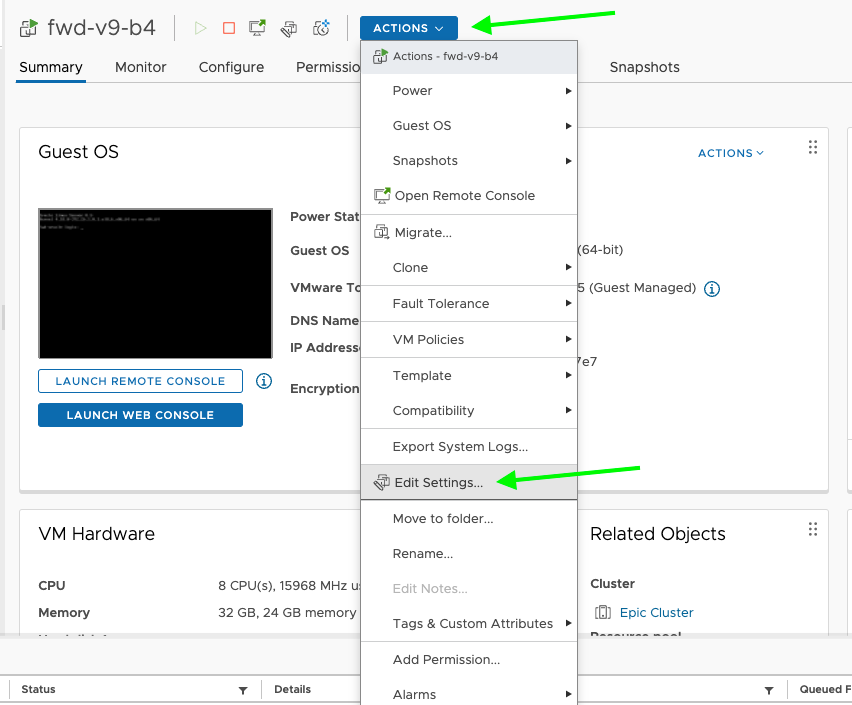
Click on Actions dropdown and select "Edit Settings"
-
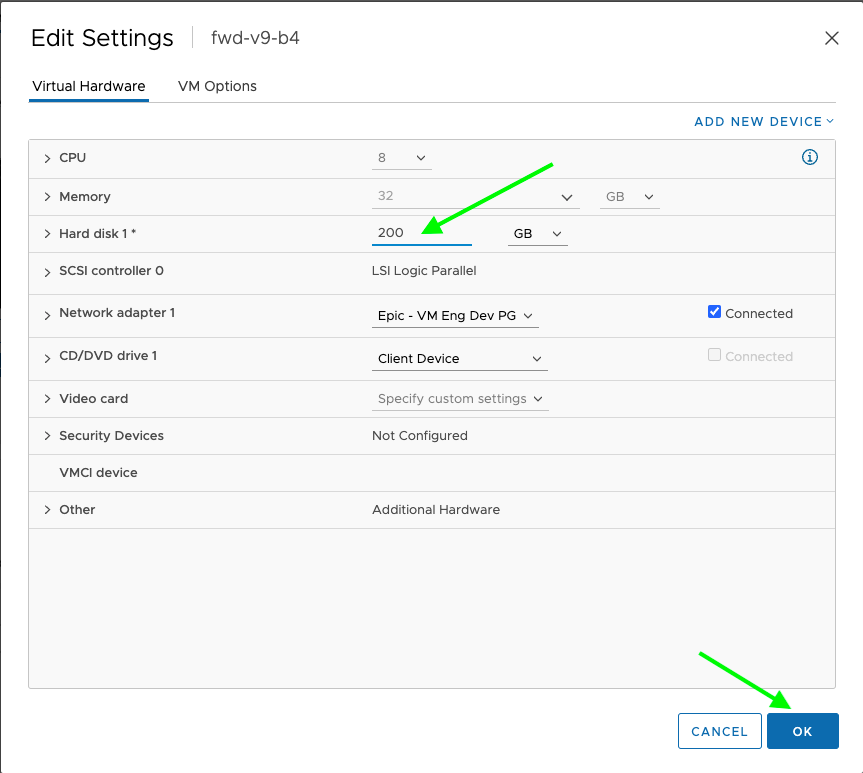
In the setting dialogue box update the disk size and Click Ok
-
Refresh the page and confirm that the Hard disk value has been updated to the new value.
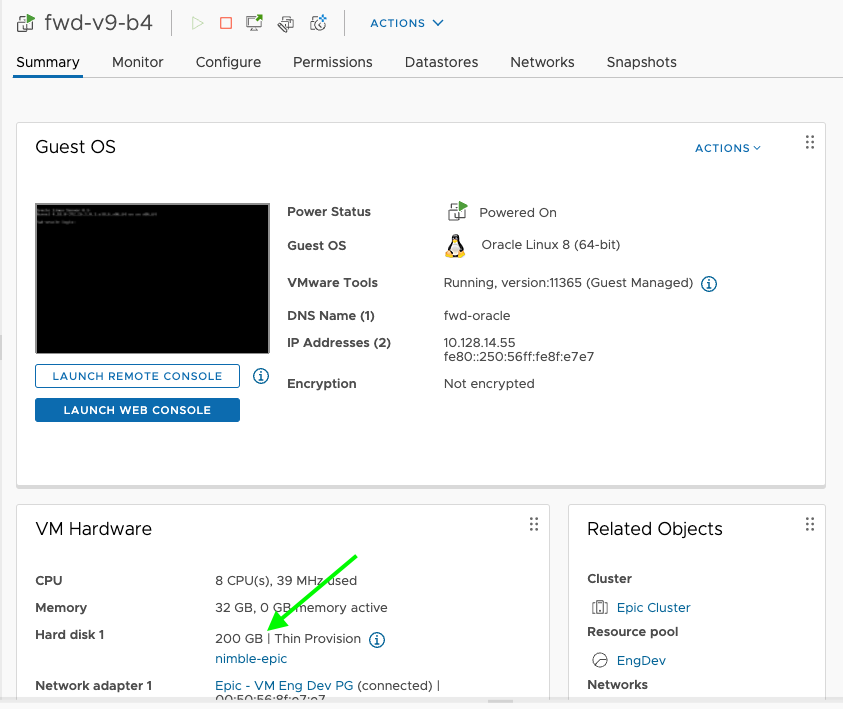
-
The disk size changes made in vCenter to a running VM will not make space visible to the running OS. So, we have to reboot the VM.
- SSH into the node.
ssh forward@<IP Address>- Reboot the node using below command:
sudo reboot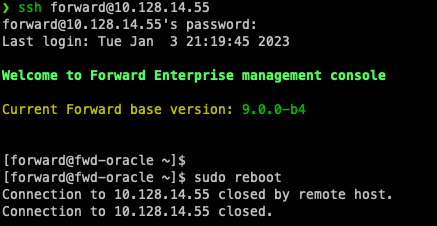
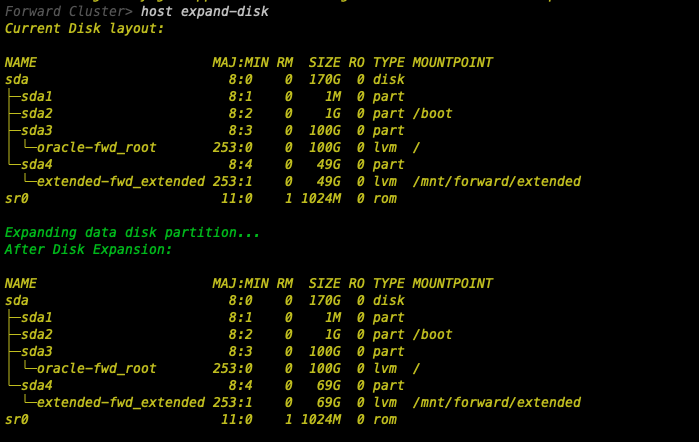
Expand the disk on a cluster node
-
To expand the available space on the disk, Launch the
fwd-clusterutility and execute the below command:Forward Cluster> host expand-disk