Cluster Diagnostics
The diagnostic tool can help identify common issues in the cluster or the operating system of the node it is executed on.
It runs a series of tests depending on the type of the node it is executed on, number of nodes in the deployment and type of the deployment:
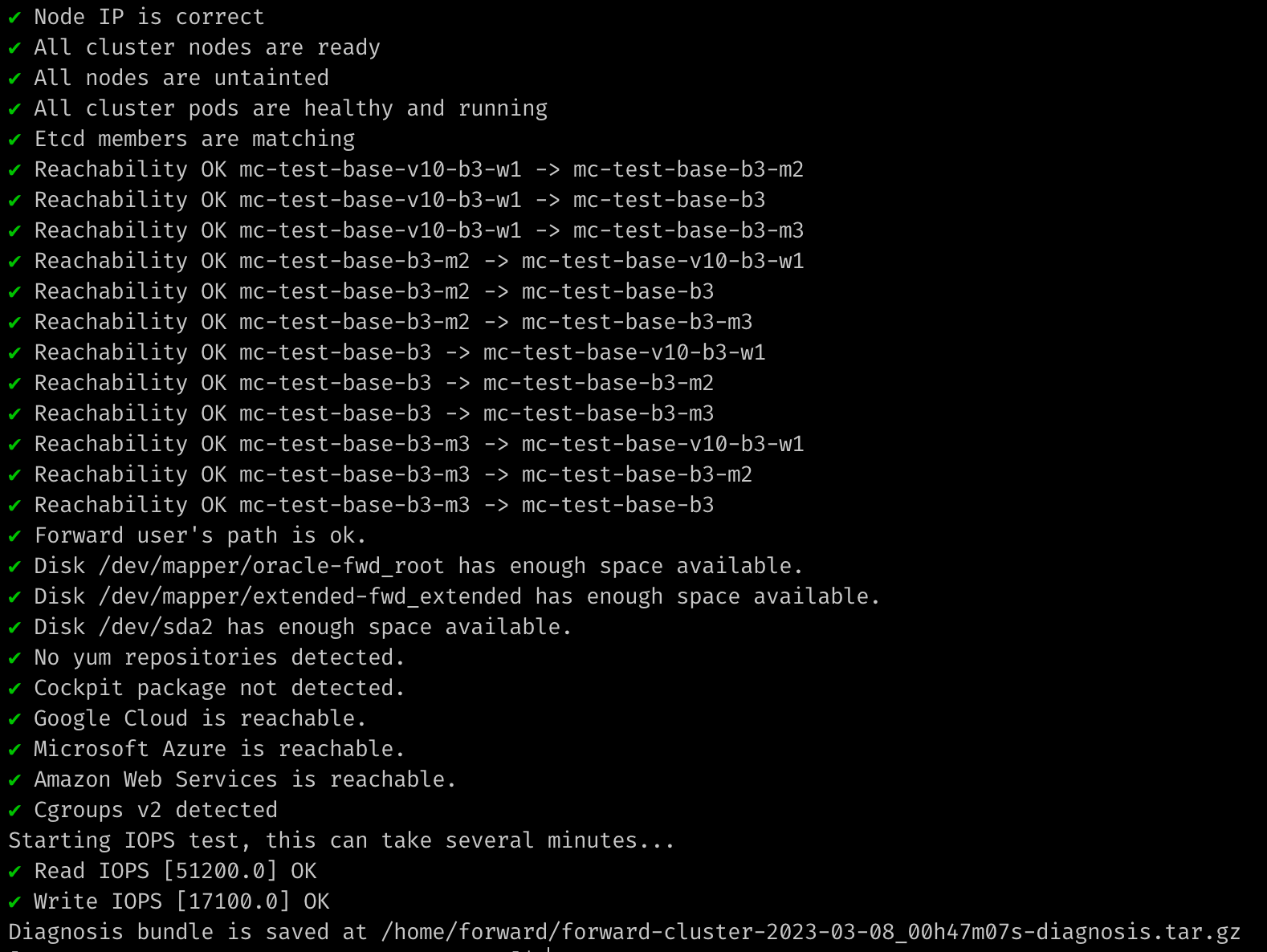
To run the diagnostic tool, use the following instructions:
- SSH into a primary node.
- Launch the
fwd-clusterutility and execute the below command:Forward Cluster> exec generate_diagnostics - In addition to displaying results on screen, the command prints the location of the generated diagnostics bundle. This bundle can be shared with Forward Networks engineers for further analysis.
tip
- It is recommended to run this tool on all of the cluster nodes to obtain node level diagnostics.
- This script will run diagnostics of common cluster orchestration issues if the node is primary.