Reset the Forward Enterprise Admin Password
Use this procedure when the Forward Enterprise built-in admin user password is lost and no other org admin is
available to reset it. The reset is performed from the TUI on a primary node and only affects the application admin user
— host (forward) credentials and SSH keys are untouched.
caution
Reset is blocked while the application service is unhealthy. The TUI verifies that the application server and database pods are running before enabling the input field; if they are not, it shows:
Forward service is not healthy. Please ensure service is healthy and try again.
Bring the application back into a running state before retrying.
Reset the admin password
- SSH into a primary node.
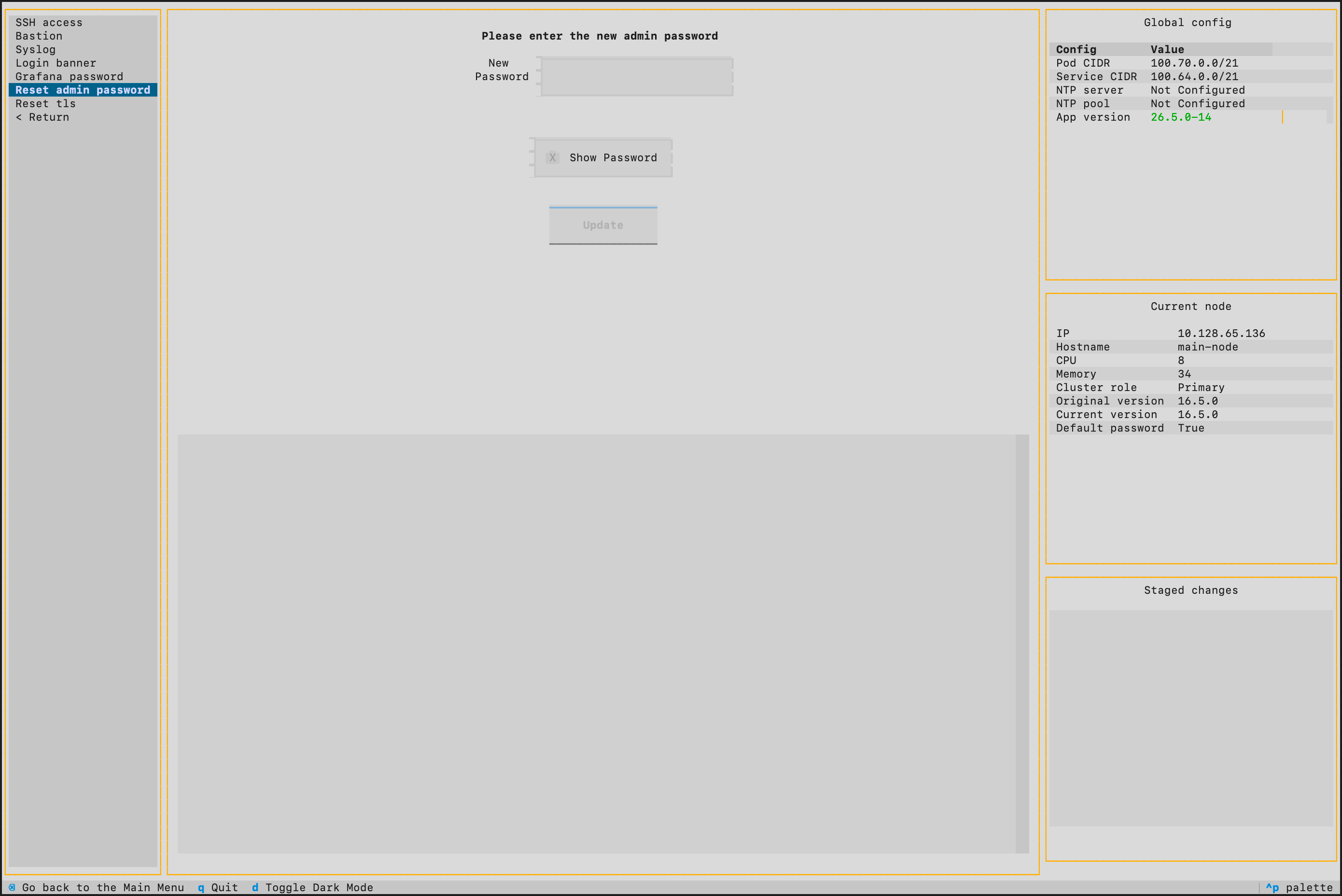
- Select Security > Reset admin password from the TUI.
- In the New Password field, type the password you want to set. It must be between 5 and 30 characters.
- (Optional) Toggle the Show Password checkbox to display what you typed.
- Click Update. The TUI applies the new password to the
adminuser and reports the result in the log panel. - Log in to Forward Enterprise as
adminwith the new password.
Recommended follow-up
To avoid relying on this recovery path:
- Maintain at least two org admins so a single lost password does not require TUI access.
- Configure the
SMTP integration so users can self-serve password resets through email.