Exporting logs via Rsyslog
tip
This configuration has to be added for every single node in the cluster
Rsyslog is an open source logging utility that allows for log exporting. The following configuration provides with a very basic log exporting configuration.
-
SSH into the node to export the logs.
-
Launch the
fwd-clusterutility and execute the below command:Forward Cluster> host syslog -
When prompted, enter the target (IP address or hostname) of your rsyslog server
-
Enter the port number (ex:514)
-
Enter the protocol (tcp or udp)
-
Review the configuration summary displayed in the table
-
Confirm by entering yes (
y) to apply the configuration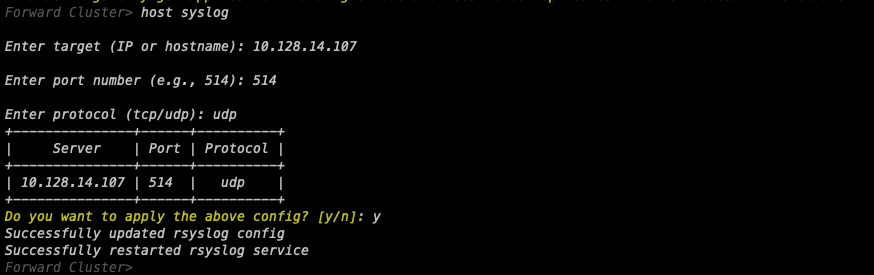
-
The utility will automatically update the rsyslog configuration and restart the service.