Changing IP Address of a Node
danger
This is a disruptive procedure. While data loss is not expected, it is strongly recommended to take a backup of the application data before proceeding.
Single-node Deployments
Changing the IP address of a single-node cluster requires three steps: update the node networking, reboot, and update the cluster configuration.
- SSH into the node.
- Navigate to Node > Networking and update the IP address of the node.
- Navigate to Node > Power > Restart to reboot the node (a reboot is required for the IP change to take effect).
- After the node comes back up, SSH into the node using the new IP address.
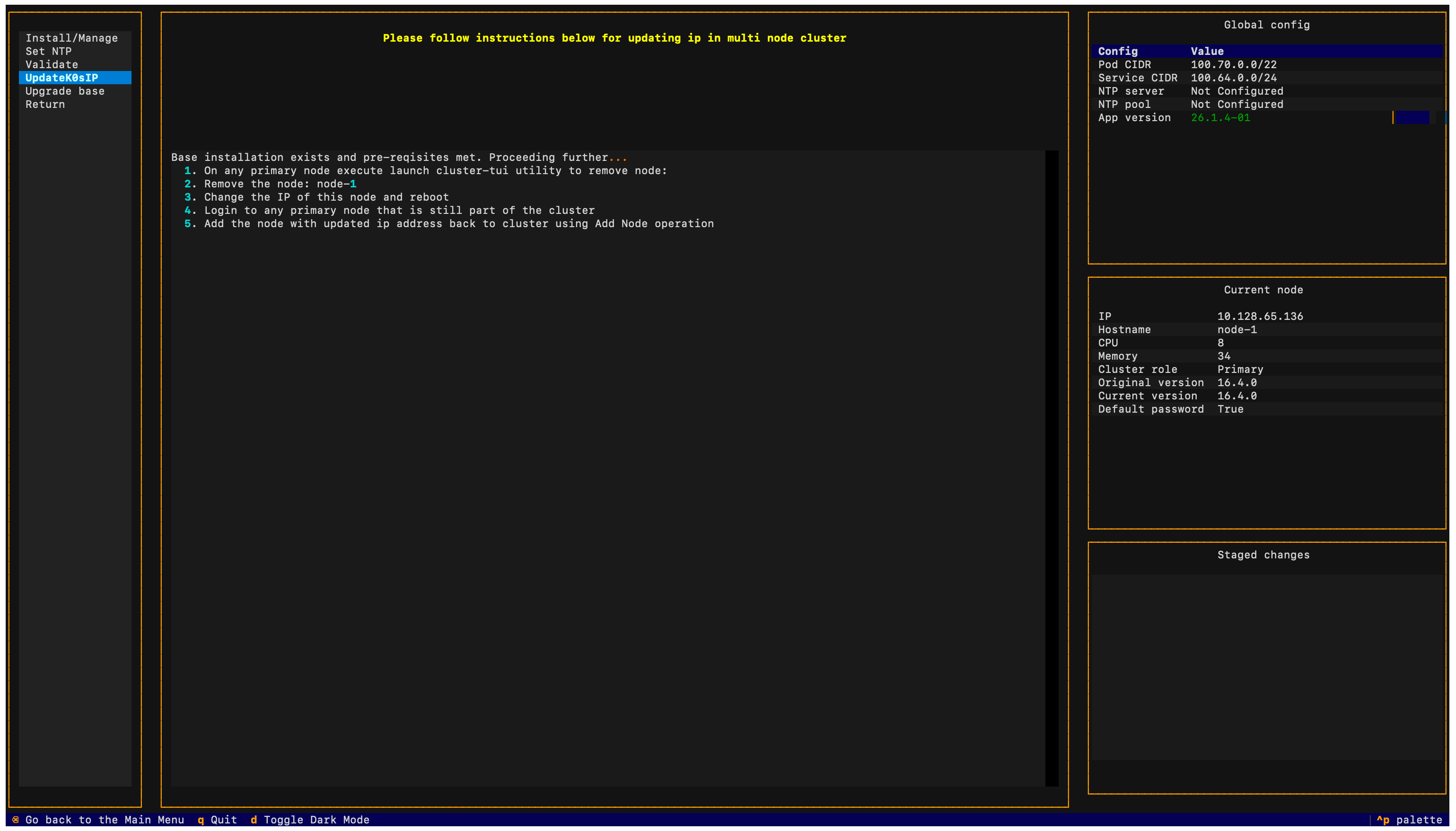
- Navigate to Cluster > UpdateK0sIP and select Apply to update the IP address in the cluster configuration.
Multi-node Deployments
In multi-node deployments, changing the IP address of a node directly is not supported. The node must be removed from the cluster and re-added with the new IP address.
- On any existing primary node, select Cluster > Install/Manage from the TUI and remove the target node.
- Select Apply to update the cluster.
- On the removed node, select Node > Factory reset and confirm. After the reset completes, reboot the node via Node > Power > Restart.
- After the node comes back up, select Node > Networking and update the IP address.
- Navigate to Node > Power > Restart to reboot with the new IP.
- After the node comes back up, on an existing primary node select Cluster > Install/Manage and re-add the node with its new IP address using the appropriate role (primary or worker).
- Select Apply to finalize.
note
If you are removing a primary node, you will need to replace it before applying configuration to ensure an odd number of nodes in the cluster for a quorum.